

MP3 to MP4 Converter
Turn MP3 audio into a shareable video with our included background, or add your own image. Perfect for musicians, podcasters, and content creators.
Step 1: Choose your MP3
Drag & drop your audio here, or click to browse
MP3 • up to 100MBStep 2: Add an image (optional)
Add an image, or use this background
Optional • drop JPG / PNG / WEBP / GIF / BMP to replace itChoose your path
Keep using the free no-signup converter, or turn the same track into an animated AI music video.
Quick static video
AI music video
Why Musicians Choose Our MP3 to MP4 Converter
Whether you're uploading to YouTube, creating Spotify Canvas videos, or sharing on social media, video content gets more engagement than audio alone. Our free converter helps you create professional-looking videos instantly.
How to Convert MP3 to MP4
Upload Your Audio
Select any MP3 file up to 100MB. Perfect for singles, podcast episodes, or audio clips up to 10 minutes.
Choose a Visual (Optional)
Use the included background, or add album art, a logo, or any JPG, PNG, GIF, WebP, or BMP image.
Download Your Video
Get a high-quality MP4 video ready for any platform. No watermarks, no quality loss.
Built for Creators Who Need More
Platform-Ready Output
Export MP4s optimized for YouTube, Instagram, TikTok, and Twitter. Your audio stays crisp, your image stays sharp.
No Hidden Limits
Unlike other converters, we don't add watermarks, reduce quality, or limit daily conversions. Use it as much as you need.
Privacy First
Your files are processed securely and deleted immediately after conversion. We never store or share your content.
From the Makers of Neural Frames
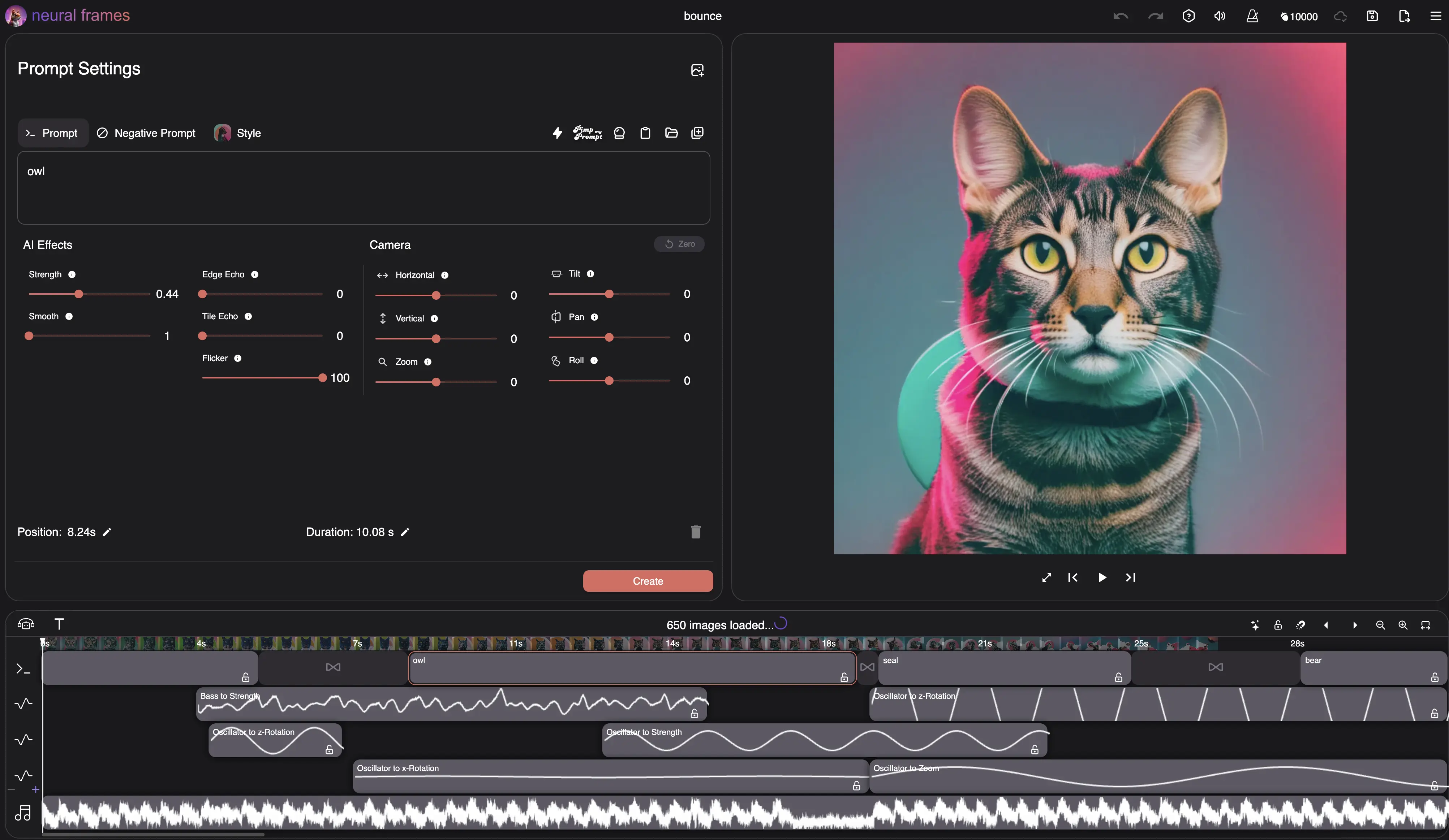
This free tool comes from the team behind neural frames, the AI music video platform trusted by 10,000+ artists worldwide.
MP3 to MP4 With Image: Put a Picture on Your Music
Converting MP3 to MP4 with an image is the fastest way to get your music onto video platforms. Upload your MP3, add your album art, band photo, or any picture, and our converter renders it as a full-length MP4 video — your image stays pin-sharp while your audio keeps its original quality.
Unlike generic file converters that just change the container format, this tool is built for the real use case: adding an image to an MP3 so you can upload it to YouTube, Instagram, or TikTok. The image is automatically scaled to the right resolution (up to 1080p) with no cropping, stretching, or watermarks.
Don't have cover art yet? Generate one in seconds with our free AI Album Cover Generator, then come back and turn your MP3 and new artwork into a video — no signup needed for either tool.
Ready for Real Music Videos?
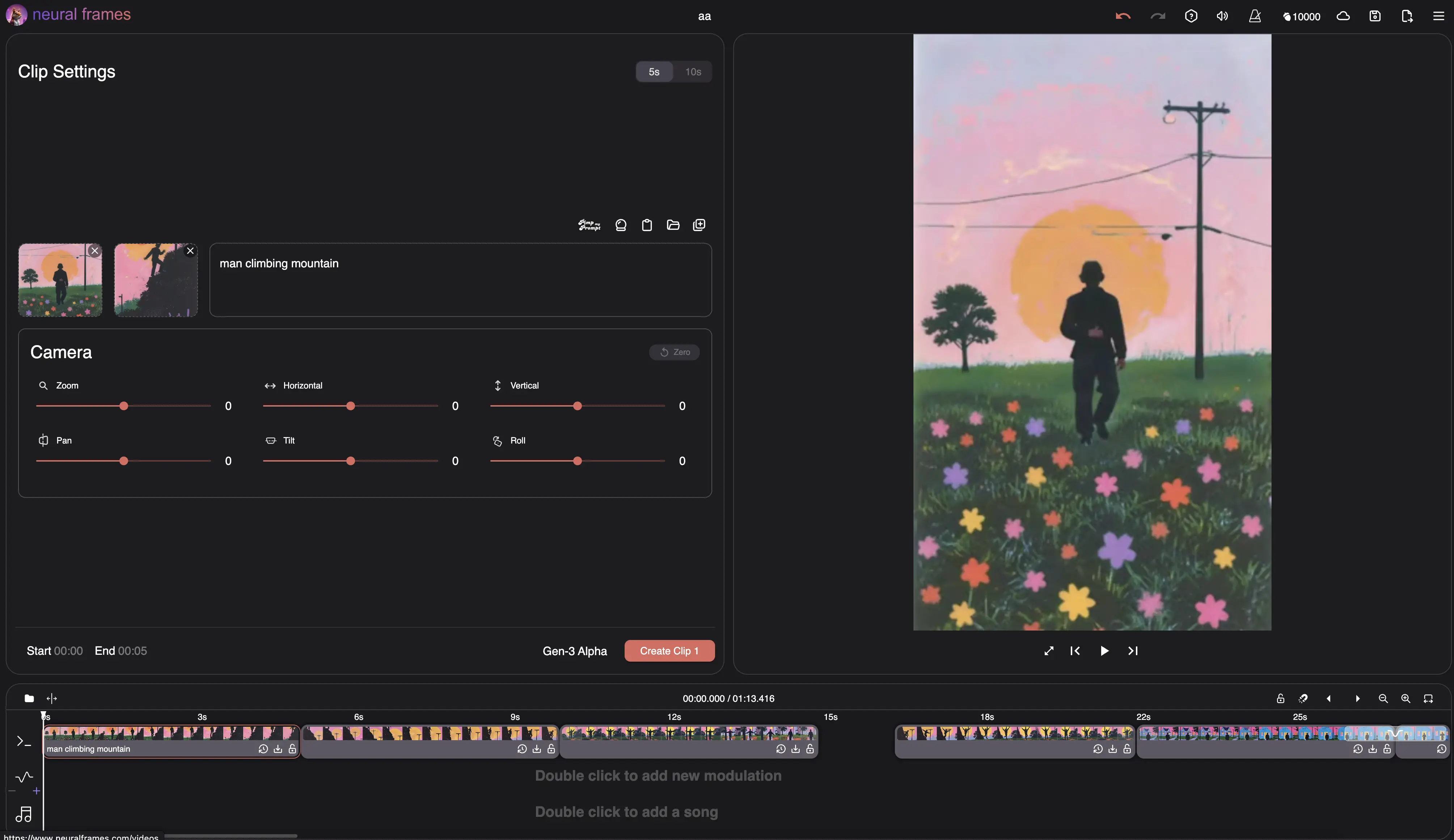
This converter is great for static videos, but if you want animated, audio-reactive music videos that truly bring your music to life, explore neural frames.
Frequently Asked Questions
How to convert MP3 to MP4?
To convert MP3 to MP4: 1) Upload your MP3 file, 2) keep the included background or optionally add album art, 3) click Create My Video, and 4) download the finished MP4. The conversion runs free in your browser with no signup, no watermark, and no quality loss.
Is this MP3 to MP4 converter really free?
Yes, completely free with no hidden costs. No signup, no credit card, no watermarks. We built this tool to help musicians and creators, powered by neural frames.
What's the maximum file size and length?
You can upload MP3 files up to 100MB and 10 minutes long. For longer content or full albums, check out neural frames' batch processing features.
Which platforms can I use these videos on?
The MP4 output works on all major platforms: YouTube, Instagram, TikTok, Twitter, Facebook, Vimeo, and more. It's also perfect for Spotify Canvas if you keep it under 8 seconds.
Can I use GIFs or animated images?
Yes! Upload animated GIFs to create simple animated videos. For advanced AI-powered animations synced to your music, try neural frames' full platform.
How is this different from neural frames?
This free tool creates a static video using the included background or an image you optionally add. Neural frames creates dynamic, AI-generated music videos with animations, effects, and visuals that react to your music. Think of this as the simple solution, and neural frames as the professional suite.
Is my content safe and private?
Absolutely. Files are processed securely and automatically deleted after conversion. We don't store, share, or use your content in any way.
How do I convert MP3 to MP4 with an image?
Upload your MP3 in step 1, add your image (album art, logo, or photo) in step 2, and click Create My Video. The converter combines them into a single MP4 where your image is shown for the full length of the audio — ready to upload anywhere.
Can I convert WAV or M4A files to MP4 too?
Yes. Use our free WAV to MP4 converter for lossless recordings and DAW exports, or the M4A to MP4 converter for iPhone recordings and Apple Music files. Both work exactly like this tool: upload audio, use the included background or add an image, then download your video.
What resolution will my MP4 video have?
The output matches your image, up to 1920×1080 (Full HD) for landscape images and 1080×1920 for portrait ones — ideal for YouTube on one side and Reels, Shorts, and TikTok on the other.
Choose your next music workflow
AI Lyric Video Maker
Explore videos with lyrics generated into the scenes. Account required.
Audio & Music Visualizer
Create beat-synced audio visualizations for your music with AI.
AI Music Video Generator
Create full AI music videos that react to your sound.
Suno to Music Video
See how to turn your exported Suno song into a full music video.
More Than Just MP3 to MP4 Conversion
While this free converter handles basic video creation, musicians increasingly need more engaging content to stand out. That's why we built neural frames—to help artists create stunning AI-powered music videos that capture attention and grow audiences. Start with this free tool, and when you're ready for animated, audio-reactive videos, we're here to help.