

Video to Audio Converter
Extract clear MP3 or WAV audio from a video directly in your browser.
1. Upload your video
Drop a video here, or click to choose one
MP4, MOV, WebM, MKV, AVI, MPEG or MPG · up to 100 MB2. Choose an audio format
Extract audio from video online
Turn the audio track inside an MP4, MOV, WebM, MKV, AVI, MPEG, or MPG video into a separate MP3 or WAV file. The conversion runs on your device, so you can save the soundtrack, dialogue, voiceover, or recording without uploading the original video.
How to convert video to audio
Upload a video
Choose a supported video file up to 100 MB from your computer or phone.
Choose MP3 or WAV
Pick MP3 for a compact, shareable file or WAV for uncompressed editing quality.
Extract and download
Run the converter, preview the result, and download the audio file to your device.
Why use this video audio extractor?
Private by design
Conversion happens locally in your browser, so the source video stays on your device.
Works with common video formats
Extract audio from MP4, MOV, WebM, MKV, AVI, MPEG, and MPG files.
Choose the right output
Use MP3 for compatibility and smaller files, or WAV for uncompressed audio.
Preview before downloading
Listen to the extracted track in your browser before saving it.
Turn your extracted audio into a music video
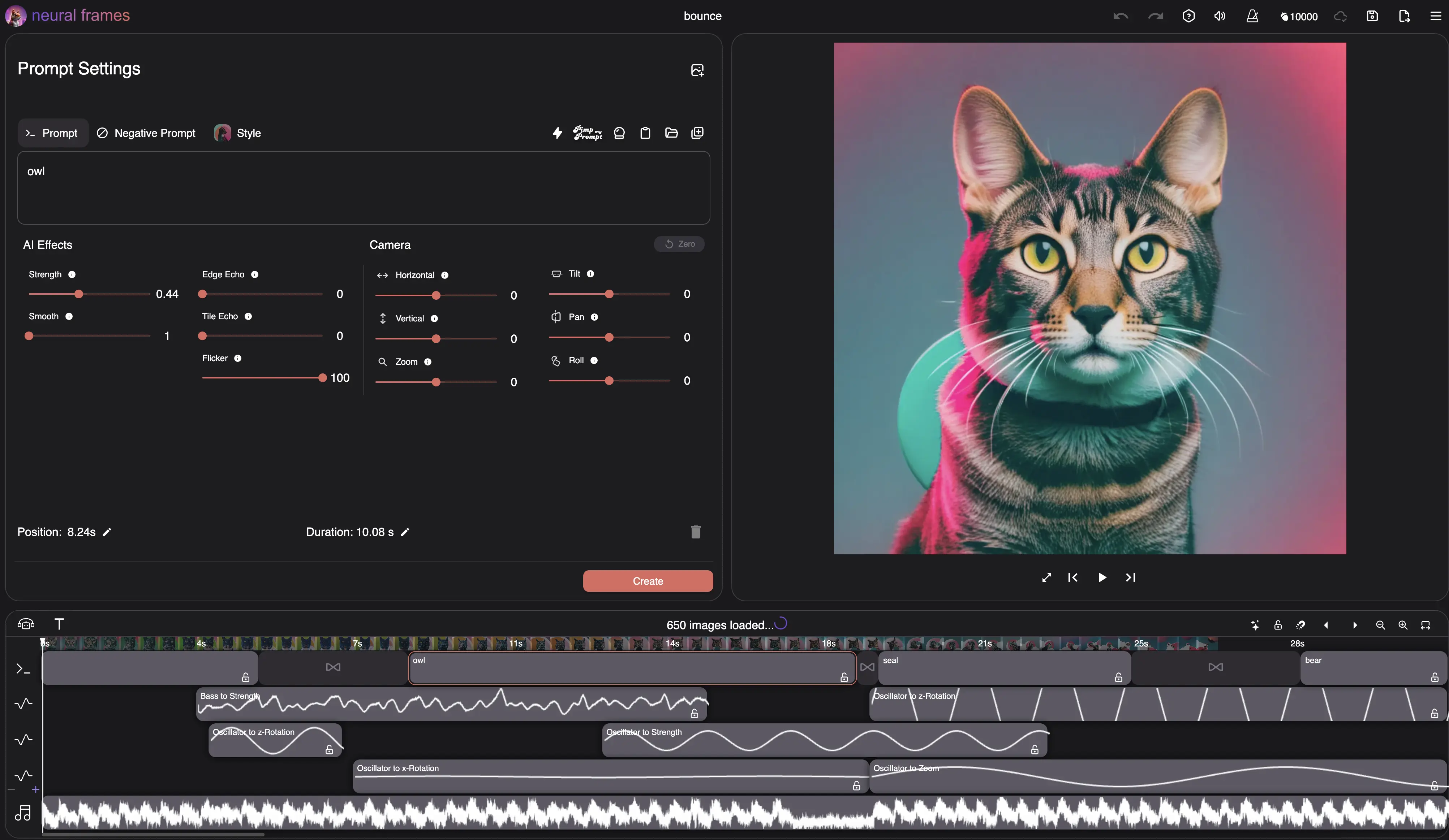
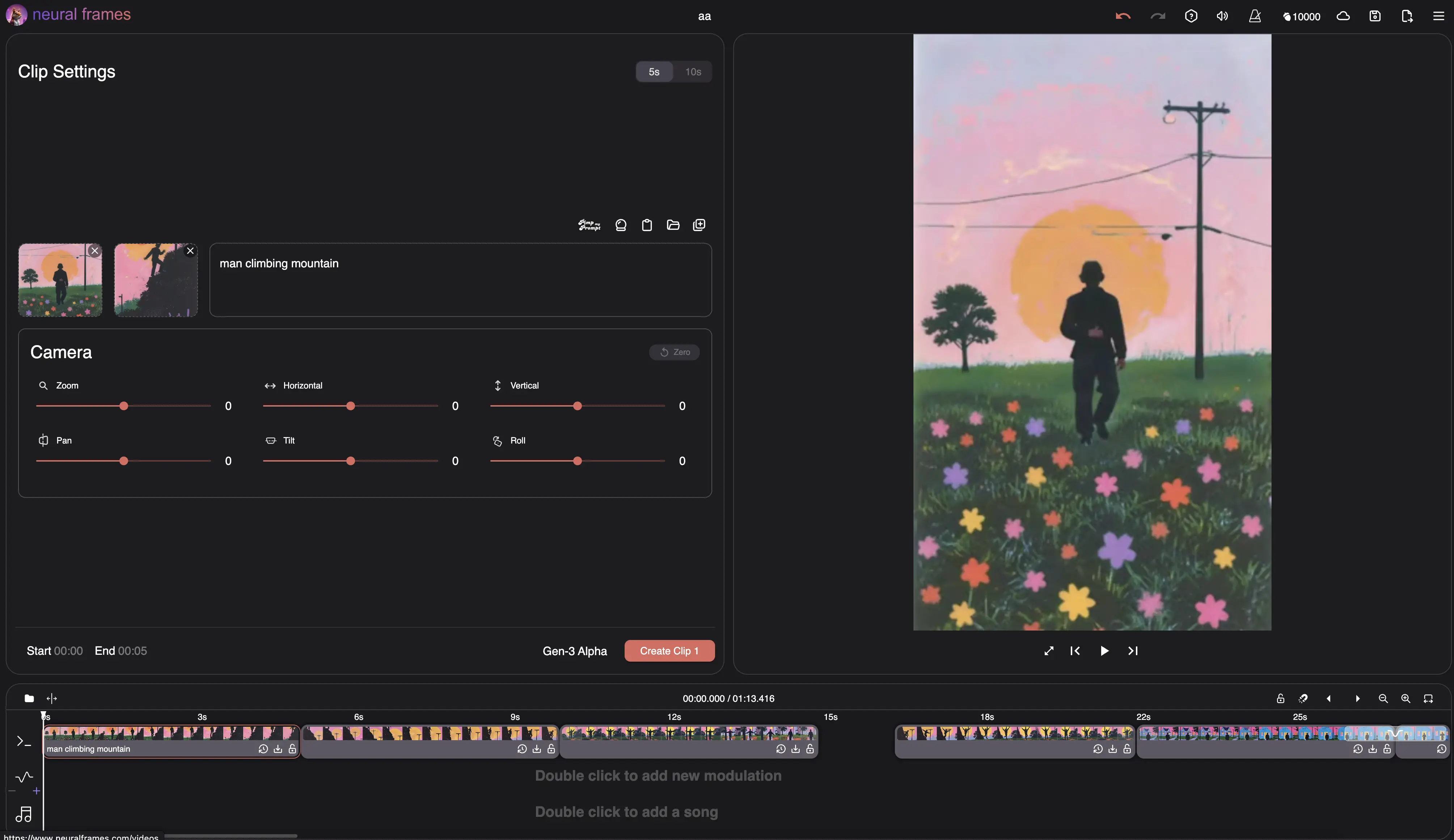
Continue in Neural Frames to create an AI music video that reacts to your sound.
Video to audio converter FAQ
How do I extract audio from a video?
Upload your video, choose MP3 or WAV, select Extract Audio, and download the result when conversion finishes.
Which video formats can I convert?
The converter accepts MP4, M4V, MOV, WebM, MKV, AVI, MPEG, and MPG files up to 100 MB.
Should I choose MP3 or WAV?
Choose MP3 for a smaller file that works almost everywhere. Choose WAV when you want uncompressed audio for further editing or mastering.
Is this video to audio converter free?
Yes. You can extract and download audio without signing up or adding a watermark.
Is my video uploaded?
No. The conversion runs in your browser, and the selected video does not leave your device.
Can I convert a video that has no sound?
No audio file can be created when the video has no audio stream. The converter will tell you if it cannot find one.
Can I extract audio from a YouTube link?
This tool converts local video files rather than downloading from URLs. Only convert media you own or have permission to use.
Will extracting audio reduce its quality?
WAV preserves the decoded audio without lossy compression. MP3 creates a smaller file by applying high-quality lossy compression.
Choose your next music workflow
Audio to Video Converter
Convert MP3, WAV, or M4A audio into an MP4 with an optional image.
AI Lyric Video Maker
Explore videos with lyrics generated into the scenes. Account required.
Audio & Music Visualizer
Create beat-synced audio visualizations for your music with AI.
BPM Finder & Key Finder
Find any song’s tempo and key together, with no upload required.
A private MP4 to MP3 and video to WAV converter
Use this browser-based video audio extractor to save sound from common video files as MP3 or WAV. It works without an account and processes your media locally on your device.